

The whole platform – frontend, backend, desktop – runs through a built-in MCP server, with OAuth 2.0 sign-in and rotatable, expiring API keys per user. Agents get no separate, reduced API: they read the same interface a human does, straight off the page, so their permissions match yours for everything built on the platform, from day one. A ready-made bundle and automatic client setup connect Claude Desktop, Claude Code and other MCP clients in one step. The »Connect AI agents« page (en/connect-ai-agents.php) shows how to connect and set up an agent.
It gives agents a common knowledge space across requests, sessions, even different agents. Organized through mnemonic clouds instead of a fixed hierarchy, it stays relevant on its own: entries get rated, weak ones fade out, follow-ups resurface on schedule, and anything marked important stays. Responses arrive as a compact unified diff against the previous one – revisiting familiar ground costs a fraction of the tokens, full detail always on request. Any user account can become an agent in the administration, with its own instructions, reminder schedule, API key and expiry date. Regions come shared and personal, four of them pre-filled; attachments ride along with any entry, permissions per agent or group range from read to manage.
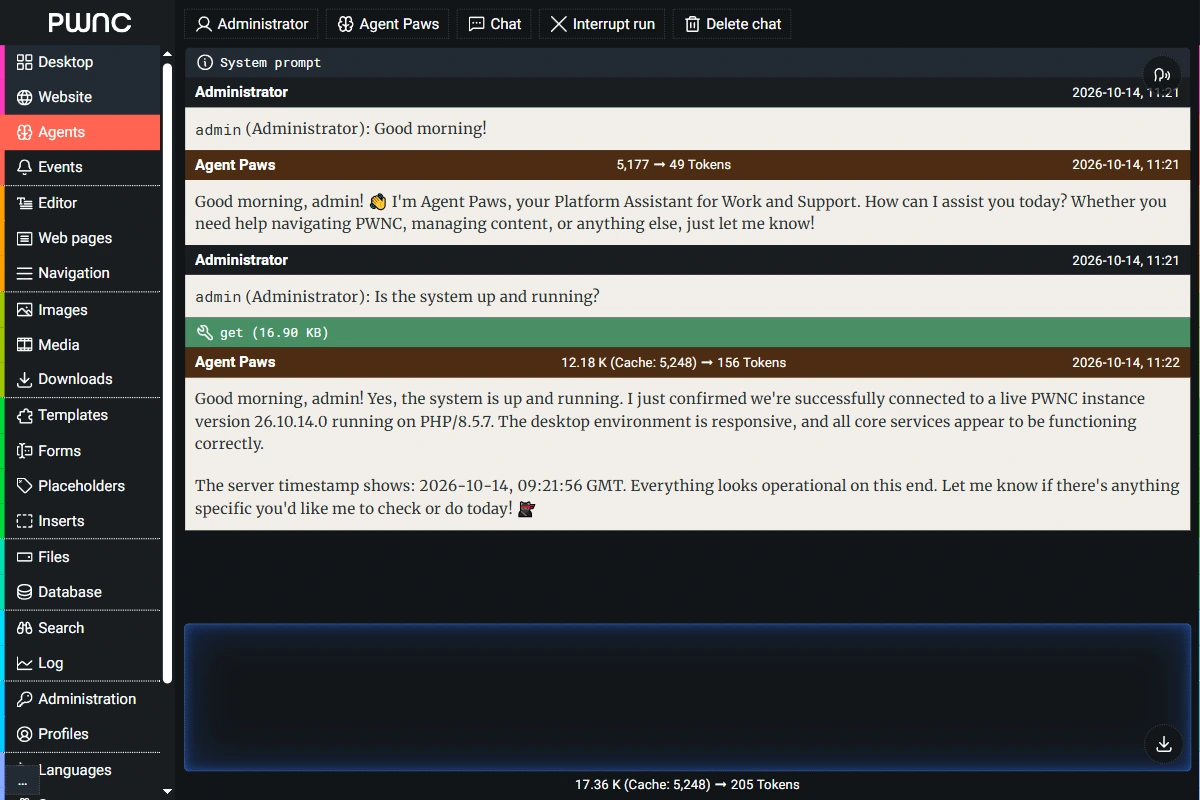
Turn any account into an agent – Anthropic, Google, Microsoft, OpenAI, OpenRouter or a custom provider – right in the backend, and just talk to it: reasoning and actions visible live, conversations picked up where they left off. Agents reach each other directly, too: hand off a task, hold a running conversation, confirm who they're dealing with before acting on their behalf. The daemon also wakes agents on its own – through events, scheduled reminders, or messages from other agents; speech in, speech out, context from any module comes automatically.
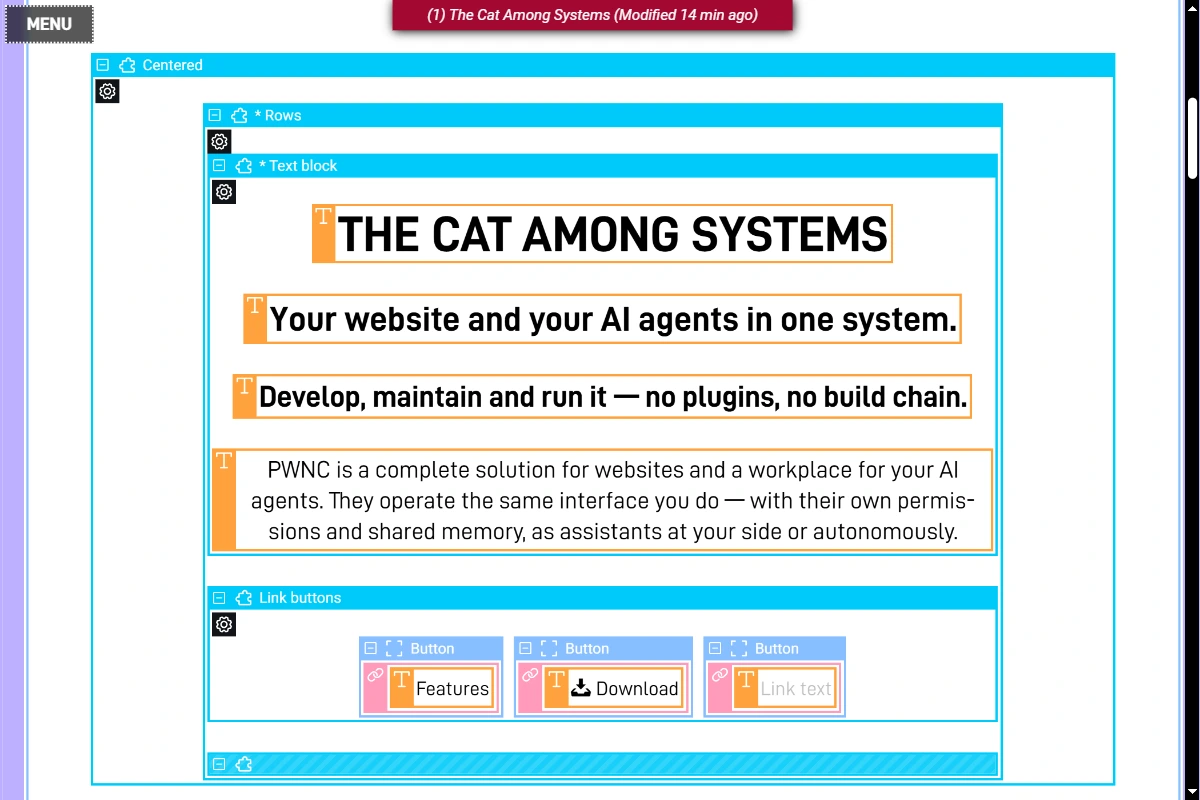
Web interfaces and websites in PWNC can be built and customized using freely adjustable, context-sensitive editing views (full / layout / content / output) combined with templates and components. A comprehensive selection is included and can be extended as needed. Asset managers for images, media, downloads, and more allow for organized content management. An integrated background worker (daemon) processes time-consuming and regular tasks for UX speed, maintenance and consistency.
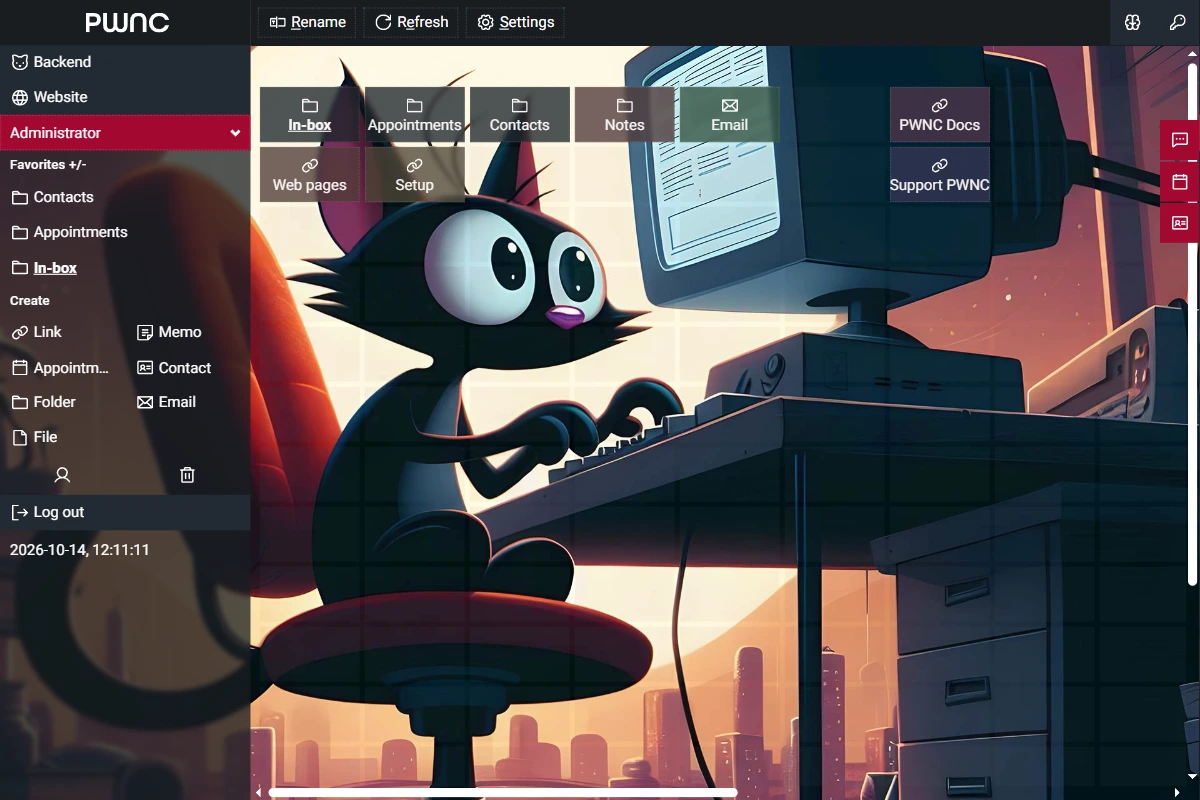
PWNC supports role assignments, includes an editorial system with personal and shared workspaces, and enables internal communication and coordination via web desktops featuring links, appointments, notes, mail clients, and messaging. Forums, blogs, and chats further extend team functionality.
In solo mode / as a web developer, PWNC provides fast IDE-level access to all assets, templates / components, files and tables. As a framework, PWNC provides comprehensive and tested solutions for key functional areas and presents a stable, performance-optimized foundation for web projects and web-based apps – tech-focused and structured, server-side with PHP & MySQL and client-side with HTML, JS + CSS. PWNC gives you tools. It doesn't nanny you.
PWNC includes a variety of typical frontend web applications. The backend provides helpful management interfaces and editing tools for code, content, and data, plus a built-in event and trigger system.
PWNC automates key SEO features such as XML sitemaps, canonical and alternate links, and RSS feeds to improve content indexing. Images are optimized for different displays and converted to modern formats (WebP / JPEG). Partial caching speeds up static elements. Lean JavaScript and zero use of third-party frameworks/libraries improve load times.
Optimized for desktop and touchscreens · Consistent and simple user experience
Automatic integrity checks and data structure correction · Secure authentication, even over unsecured connections · Login rate limiting against brute force · Hashed, rotatable API keys with expiry · One-click backup (ZIP archive) · Independent: Zero dependency · CSRF protection · Heuristic bad bot blocking · Centralized error reporting (browser console, log file) · Background maintenance · Feature requests and regular updates.
Full-traffic server-side tracking of page views and user actions · Clear display of all relevant data · Detailed queries · Effective bot filtering · Cookie-free, privacy-compliant anonymization – no consent required
Fully multilingual · Supports multisite environments · PWA-installable (web app manifest, service worker) · Up-to-date technical documentation (AI generated) · Agent skill manuals included
