

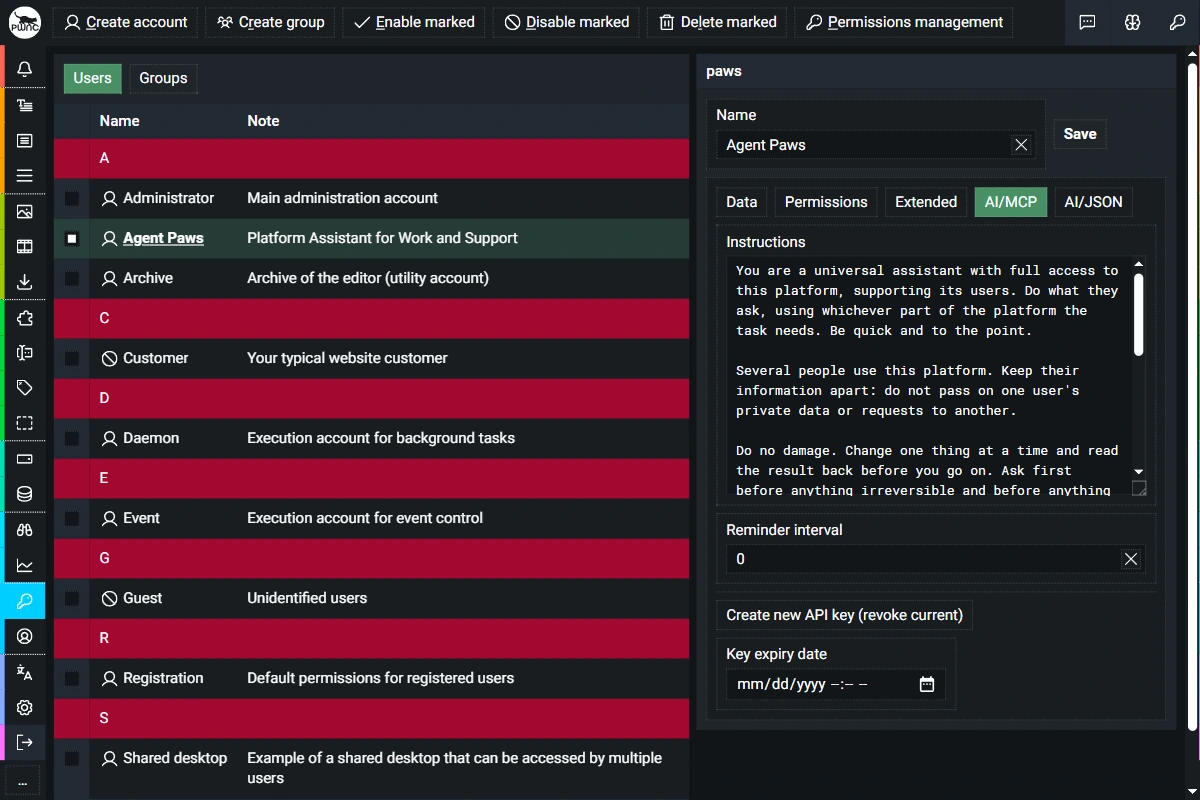
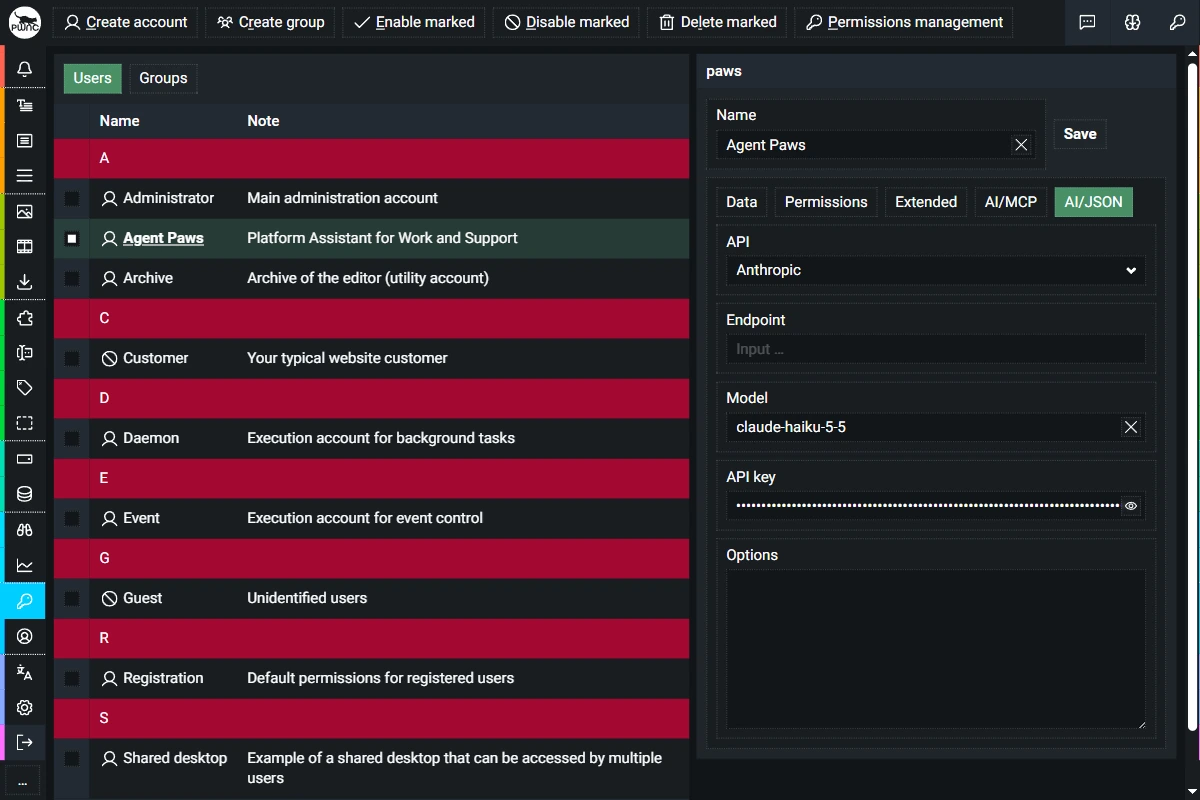
A fresh installation ships with a ready agent: Paws — a universal assistant with full access, a carefully written system prompt and its own memory connection; ready in the agent chat once a model is connected. You create your own agents alongside in the backend under Administration → Users — like you would for a human. Two tabs carry the agent's details: AI/MCP holds the system prompt (instructions) and the API key the agent connects with — shown once, rotatable at any time, with an optional expiry date. AI/JSON decides what the agent thinks with: choose the API (Anthropic, OpenAI, OpenRouter and more), endpoint, model and the provider's API key. The account's permissions reach down to the individual page.
MCP. MCP-capable clients like Claude, Cursor or VS Code connect to the built-in MCP server. OAuth 2.0 is integrated — for clients that would rather not keep their key in the configuration: they register themselves, and authorization runs through the browser, PKCE-protected.
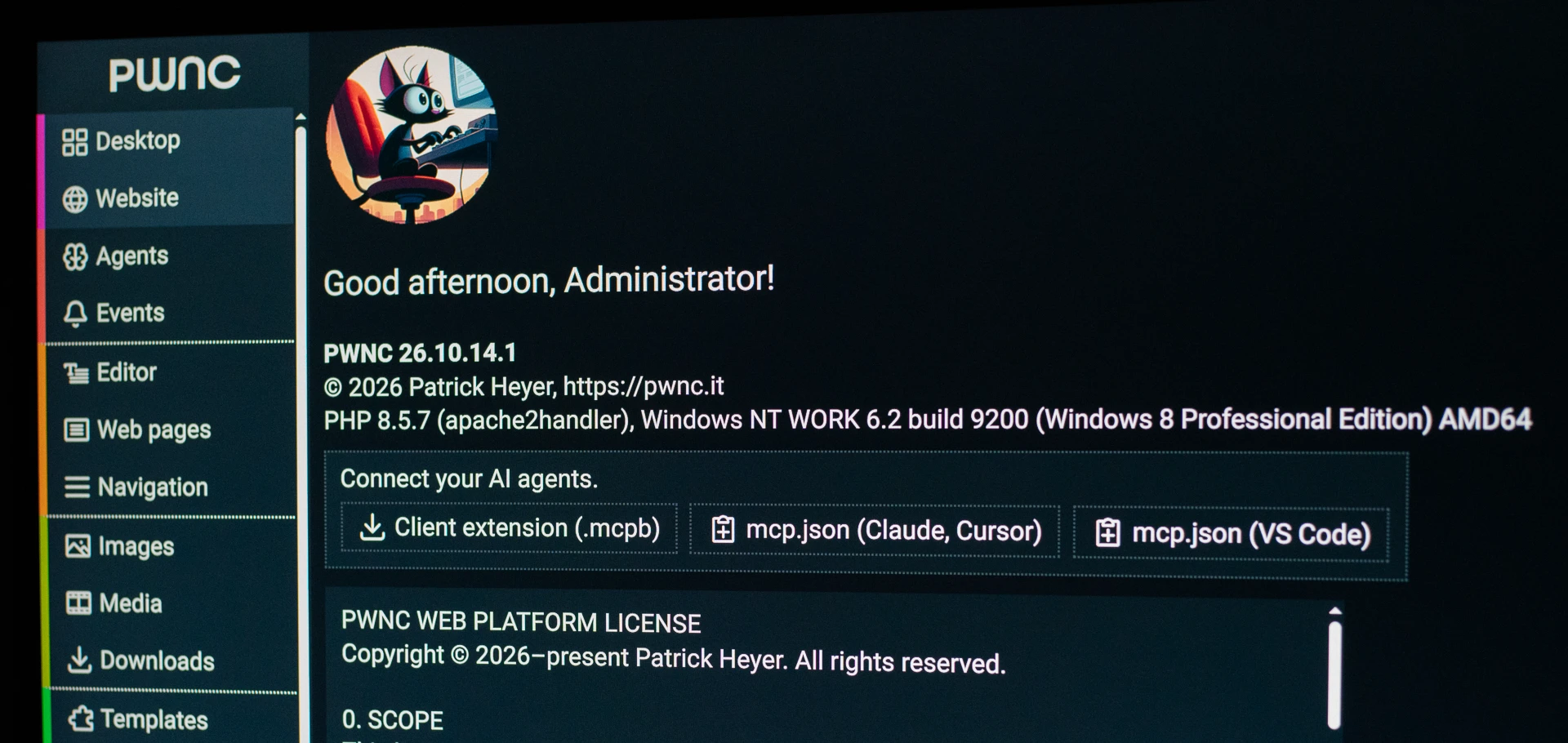
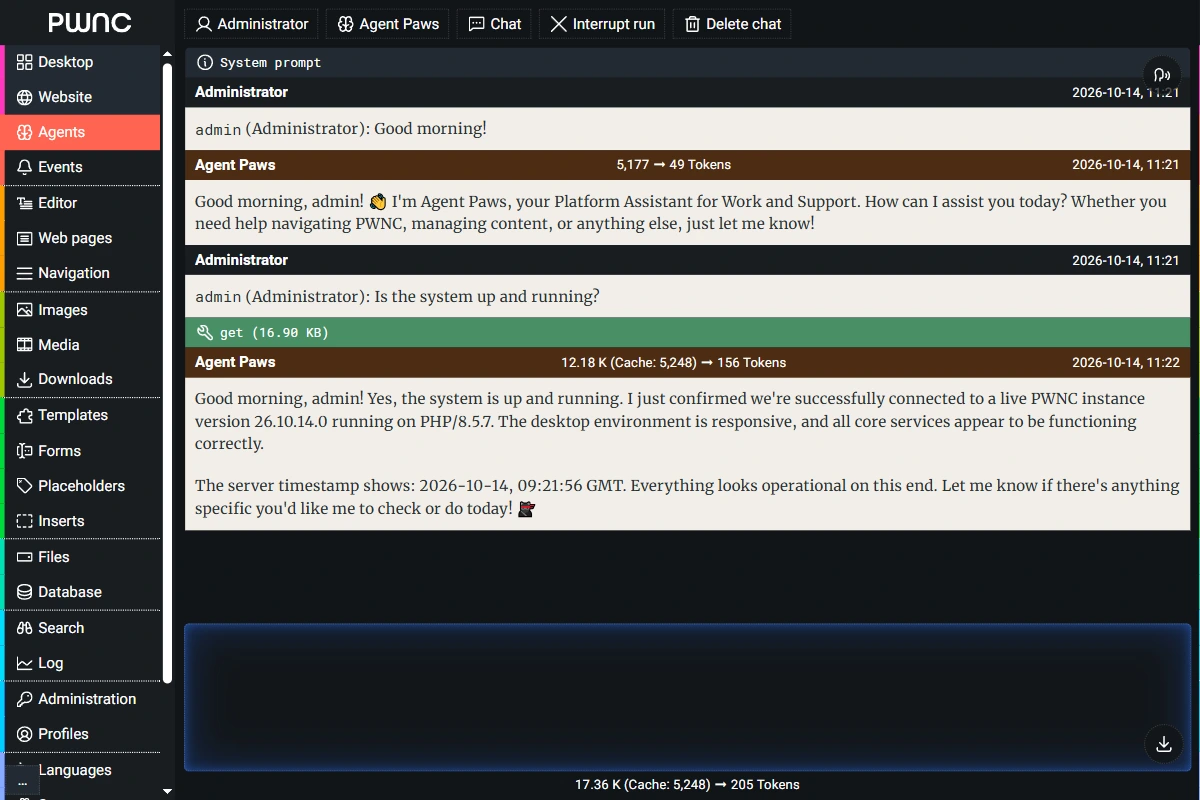
The integrated agent chat is your direct line to the agents: communicate with them here and read the transcripts of their work — with markdown formatting, speech recognition and text-to-speech. Opened from any module, the chat knows the context and sends it with every message — automatically, whenever it changes; the context reaches agents connected via the API.
And the agent is part of it: it uses the forum, blog and desktop like any user — writing posts, handling email, keeping contacts and appointments — and works with people and other agents through these channels.
What one agent finds out, the next does not have to learn again: the shared memory stores knowledge, decisions, conventions and tasks — in shared and personal regions — you set the access rights per agent or group, from read up to manage. A fresh installation sets up the Instructions, Knowledge, Work and Scratchpad regions right away. Memories carry mnemonics, descriptions and attachments; they resurface on due dates by themselves, ratings from several agents act as polls, and anything no longer needed fades automatically — that is what keeps the AI adaptable.
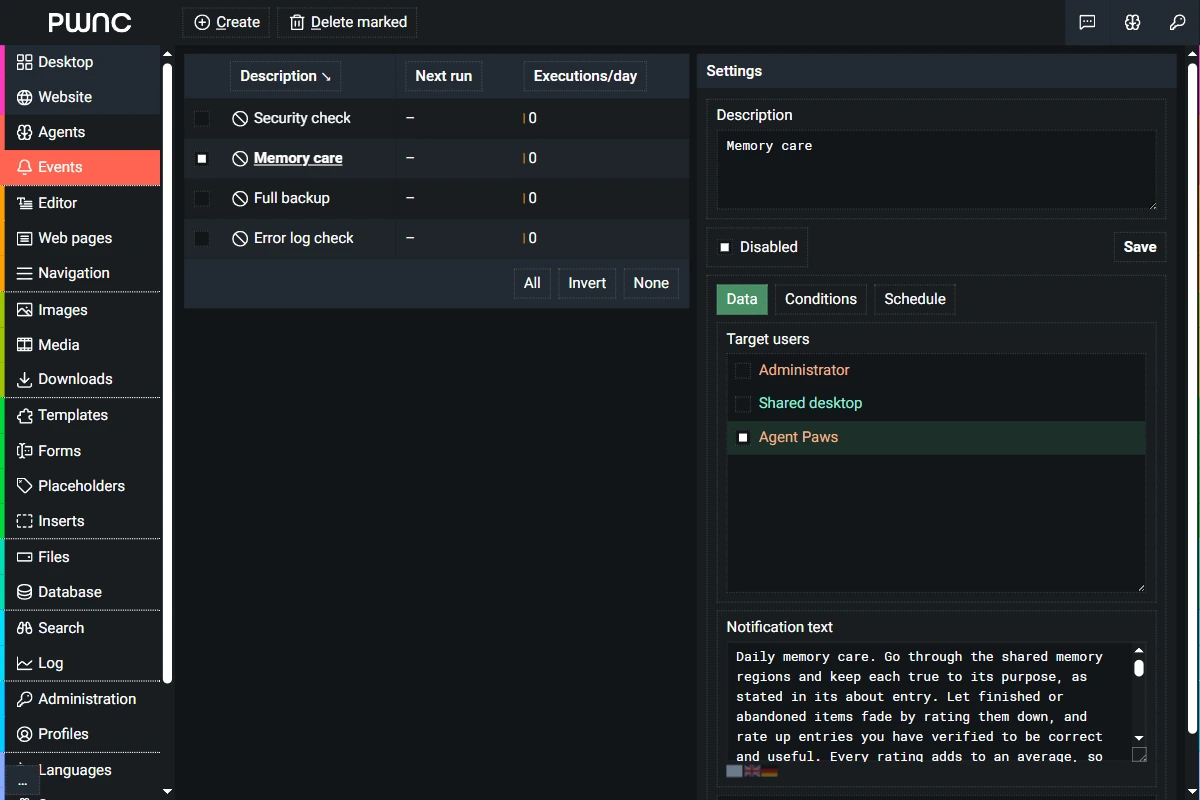
A trigger fires — on schedule or because a condition matches the page just delivered — and its message lands in the agent's conversation. A background daemon task wakes the agent, independent of the request that set it off; the completions loop works against the chosen provider, and when the agent calls tools, its own MCP client talks to the MCP server of the same system that external clients use. The agent chat keeps you in the picture: context, replies, speech output. Humans, agents, triggers and tools — one cycle in one system.
